


Creating a law firm website without a clear strategy is like trying a case without discovery. You might get lucky, but you’re probably going to lose. Most attorneys approach website creation backwards—starting with design preferences instead of business objectives.
I’ve guided dozens of small firms through website creation and redesigns. The difference between sites that generate consistent leads and expensive digital brochures comes down to process, not budget. Understanding how to create a law firm website that serves business goals requires thinking like a strategist, not a designer.
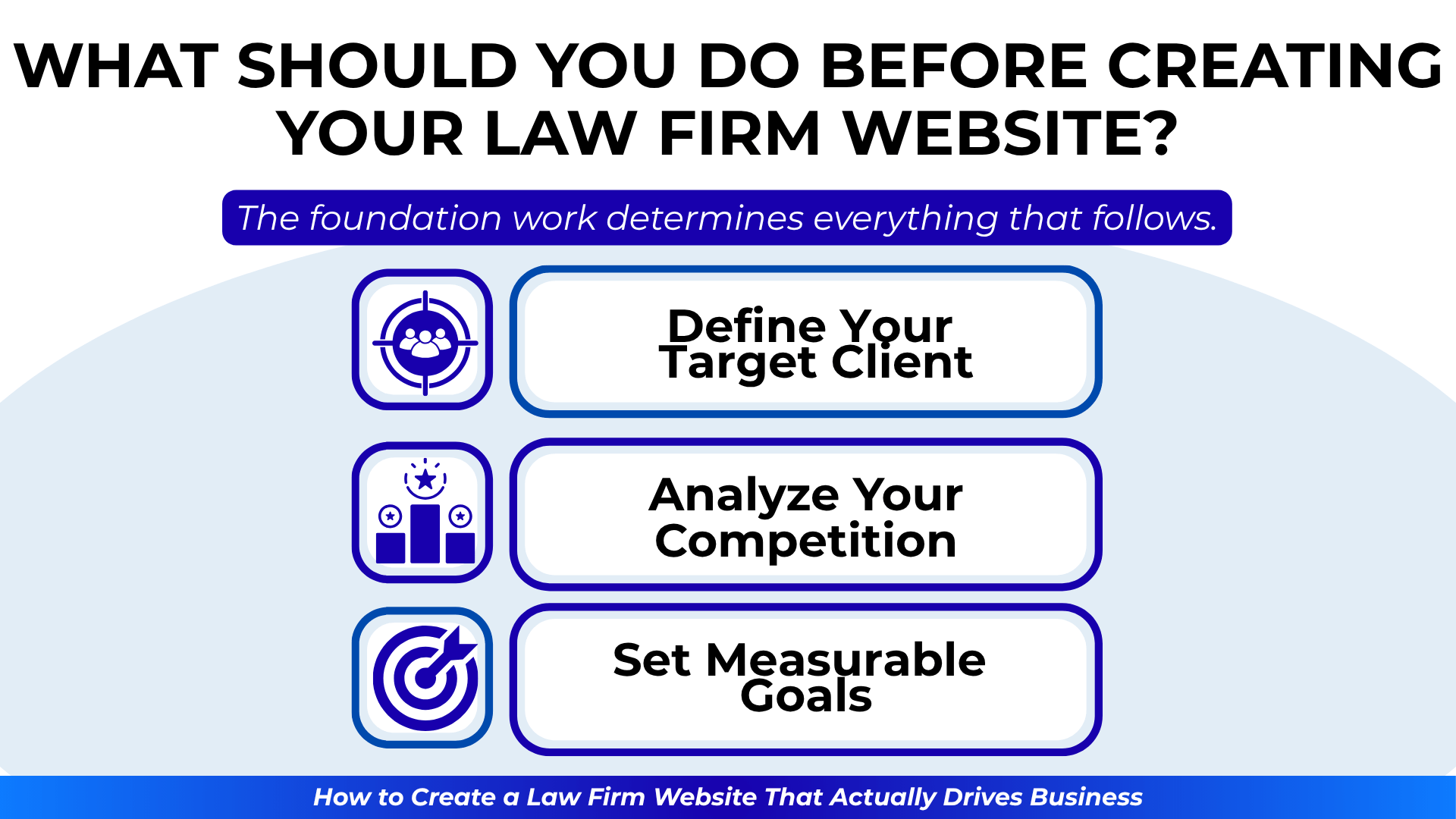
What Should You Do Before Creating Your Law Firm Website?
The foundation work determines everything that follows. Skip this phase, and you’ll build on sand.
Define Your Target Client
“Anyone who needs a lawyer” isn’t a target market. Get specific:
- Geographic range (neighborhood, city, county, state)
- Demographics (age, income, life situation)
- Legal needs (specific practice areas, not “litigation”)
- Emotional state when searching
- Decision-making factors
A criminal defense attorney targeting first-time DUI offenders in Denver needs different messaging than an estate planning lawyer serving retirees in suburban Atlanta.
Analyze Your Competition
Study 5-10 successful competitors:
- What keywords do they target?
- How do they structure their sites?
- What calls-to-action do they use?
- Where do they generate reviews?
- What content gaps exist?
Learn from their successes and mistakes before making your own.
Set Measurable Goals
Vague objectives lead to vague results. Define specific targets:
- Number of consultations needed monthly
- Conversion rate expectations
- Average case values by practice area
- Geographic territories to dominate
- Timeline for achieving goals
These metrics guide every subsequent decision.
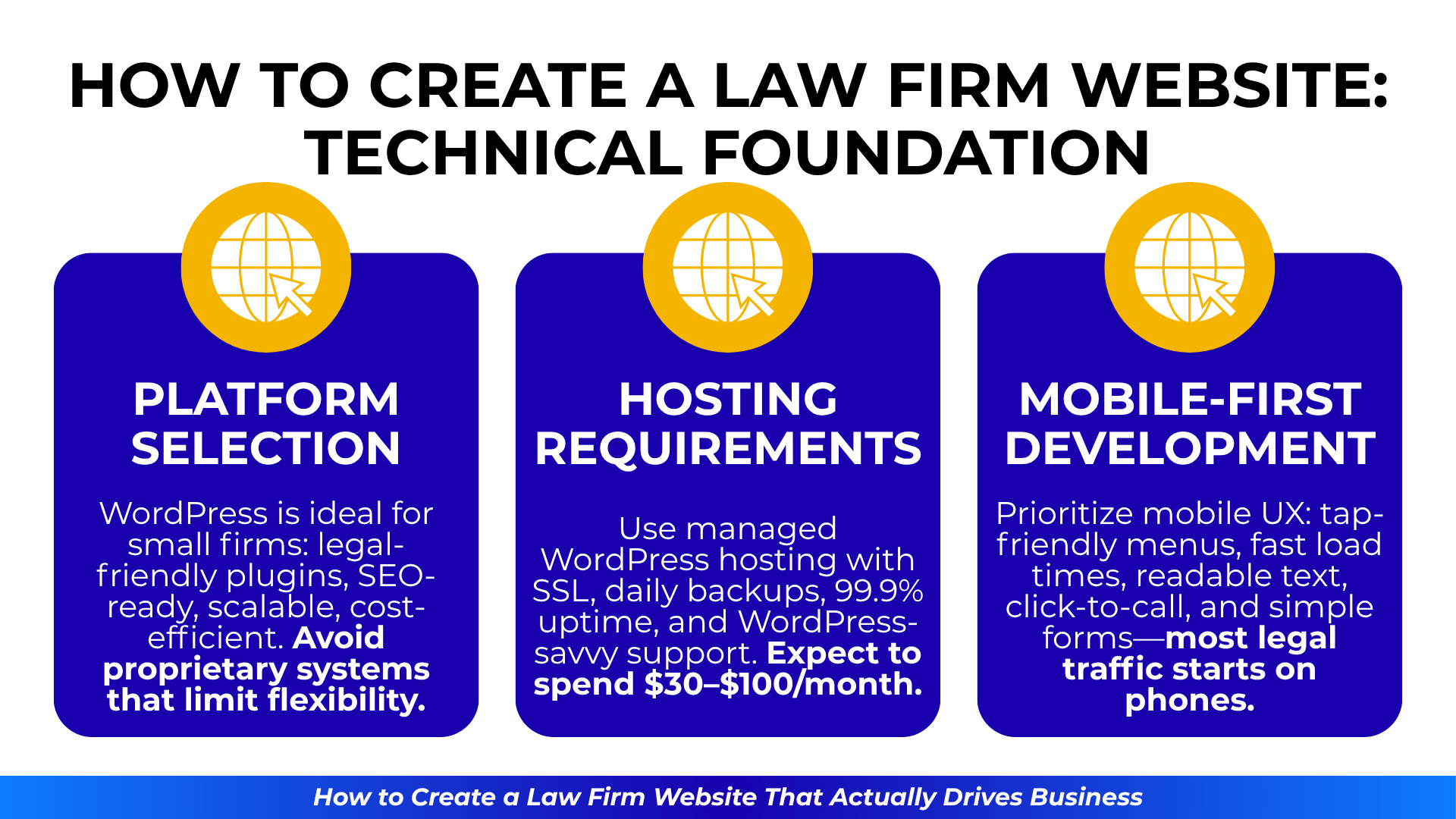
How to Create a Law Firm Website: Technical Foundation
The technical choices you make early determine your site’s potential for growth.
Platform Selection
For most small firms, WordPress remains the optimal choice:
- Extensive legal-specific themes and plugins
- SEO-friendly structure out of the box
- Scalable as your firm grows
- Large developer ecosystem
- Cost-effective hosting options
Avoid proprietary platforms that lock you into specific vendors or limit your optimization options.
Hosting Requirements
Your hosting choice impacts everything from site speed to security:
- Managed WordPress hosting (not basic shared hosting)
- SSL certificate included (required for trust and SEO)
- Daily backups with easy restoration
- Uptime guarantees of 99.9% or better
- Support team familiar with WordPress
Budget $30-100 monthly for quality hosting. The cheapest option will cost you clients.
Mobile-First Development
Design for mobile devices first, then enhance for desktop. This means:
- Touch-friendly navigation
- Readable text without zooming
- Fast loading on cellular connections
- Click-to-call phone numbers
- Simplified forms for small screens
Most legal searches now originate on mobile devices. Prioritize accordingly.
What Pages Does Every Law Firm Website Need?
Structure your site architecture around visitor needs, not firm organization:
Homepage
Your homepage should answer immediate questions:
- What type of law do you practice?
- Where are you located?
- Why should visitors trust you?
- How can they contact you?
Include one clear primary action above the fold.
Practice Area Pages
Create detailed pages for each practice area:
- Overview of legal issue
- When to hire an attorney
- Process explanation
- Potential outcomes
- Common questions
- Clear next steps
Each practice area page should function as a standalone landing page.
Attorney Bio Pages
Move beyond credentials to build connection:
- Professional background
- Why you chose this practice area
- Approach to client service
- Community involvement
- Personal interests (appropriately)
Include a professional photo—not a stock image.
Contact Page
Make contact effortless:
- Multiple contact methods
- Office location with directions
- Parking information
- Hours of availability
- Simple contact form
- Expected response time
Results or Case Studies
Share successes within ethical boundaries:
- Anonymous case examples
- Types of results achieved
- Problem-solving approach
- Client testimonials (where permitted)

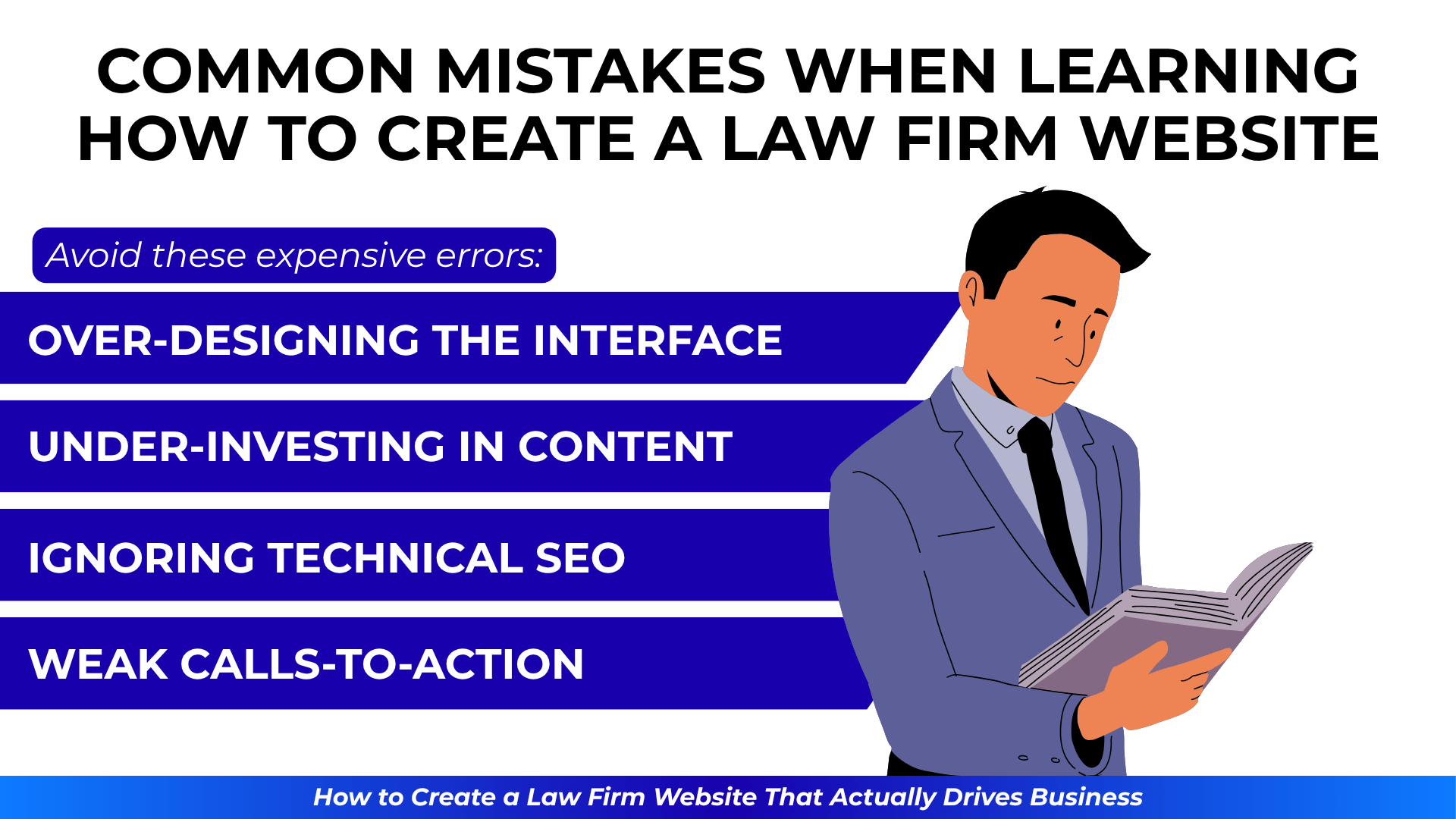
Common Mistakes When Learning How to Create a Law Firm Website
Avoid these expensive errors:
Over-Designing the Interface
Complex designs impress other lawyers, not clients. Prioritize:
- Clear navigation over clever menus
- Readable fonts over artistic choices
- Fast loading over visual effects
- Obvious actions over subtle design
Under-Investing in Content
Thin content fails both visitors and search engines. Each page needs:
- Minimum 500 words of valuable content
- Natural keyword integration
- Answers to real questions
- Local geographic references
- Clear calls-to-action
Ignoring Technical SEO
Beautiful sites with poor technical implementation remain invisible:
- Missing or duplicate title tags
- No schema markup
- Slow page speeds
- Broken mobile responsiveness
- Poor URL structure
Weak Calls-to-Action
“Contact us” doesn’t inspire action. Use specific CTAs:
- “Get Your Free Consultation”
- “Protect Your Rights Today”
- “Start Your Defense Now”
- “Secure Your Family’s Future”
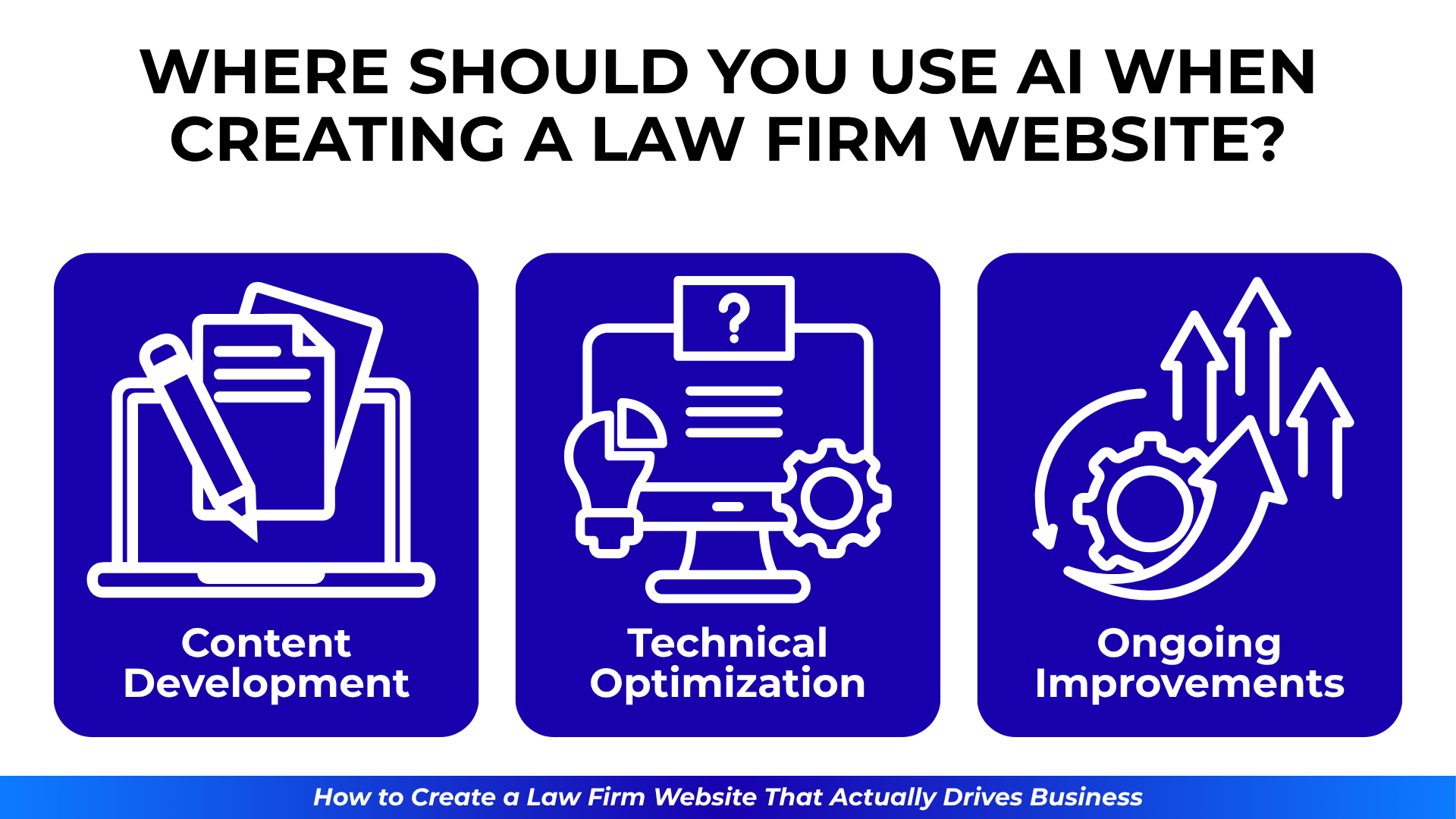
Where Should You Use AI When Creating a Law Firm Website?
AI tools can accelerate website creation without sacrificing quality:
Content Development
AI assists with:
- Initial content drafts for practice areas
- FAQ compilation from common queries
- Meta descriptions and title variations
- Blog post ideas and outlines
Always review and customize AI output for accuracy and local relevance.
Technical Optimization
AI-powered tools can:
- Analyze site speed issues
- Suggest SEO improvements
- Test different layouts for conversion
- Monitor performance metrics
Ongoing Improvements
Use AI for:
- A/B testing different messages
- Personalizing user experiences
- Chatbot implementation for basic queries
- Automated reporting on key metrics
Remember: AI enhances but doesn’t replace strategic thinking and legal expertise.
Step-by-Step Process for How to Create a Law Firm Website
Follow this sequence for optimal results:
- Strategy Phase (Week 1-2)
- Define target clients and goals
- Research competition and keywords
- Plan site structure and content
- Setup Phase (Week 2-3)
- Choose and configure hosting
- Install WordPress and essential plugins
- Set up SSL and security measures
- Design Phase (Week 3-4)
- Select appropriate theme
- Customize for your brand
- Ensure mobile responsiveness
- Content Phase (Week 4-6)
- Write core pages content
- Optimize for target keywords
- Add images and trust signals
- Launch Phase (Week 6-7)
- Test all functionality
- Submit to search engines
- Set up analytics tracking
- Optimization Phase (Ongoing)
- Monitor performance metrics
- Test and improve conversion rates
- Expand content strategically

Final Checklist for Law Firm Website Creation
Before launching, verify:
- Fast loading speed (under 3 seconds)
- Mobile responsiveness on all devices
- Clear calls-to-action on every page
- Contact information easily accessible
- Local SEO elements implemented
- Analytics and conversion tracking active
- Security measures in place
- Legal compliance verified
- Backup systems configured
- Forms tested and working
Learning how to create a law firm website that generates business requires balancing technical requirements with strategic thinking. Focus on serving your ideal clients’ needs while making it easy for them to choose you over competitors.
If you want expert guidance on creating or redesigning your law firm website—with specific recommendations based on what works in your practice area and market—let’s discuss your goals. I’ll help you build a site that actually drives cases, not just compliments.
